 Consentia
Shopify app · from $9 per month
Consent, asked for fairly and passed to Google precisely.
Consentia displays the cookie consent banner on your Shopify store and passes each visitor’s choice to Google through Consent Mode v2. It is enabled from the app, with no changes to your theme code.

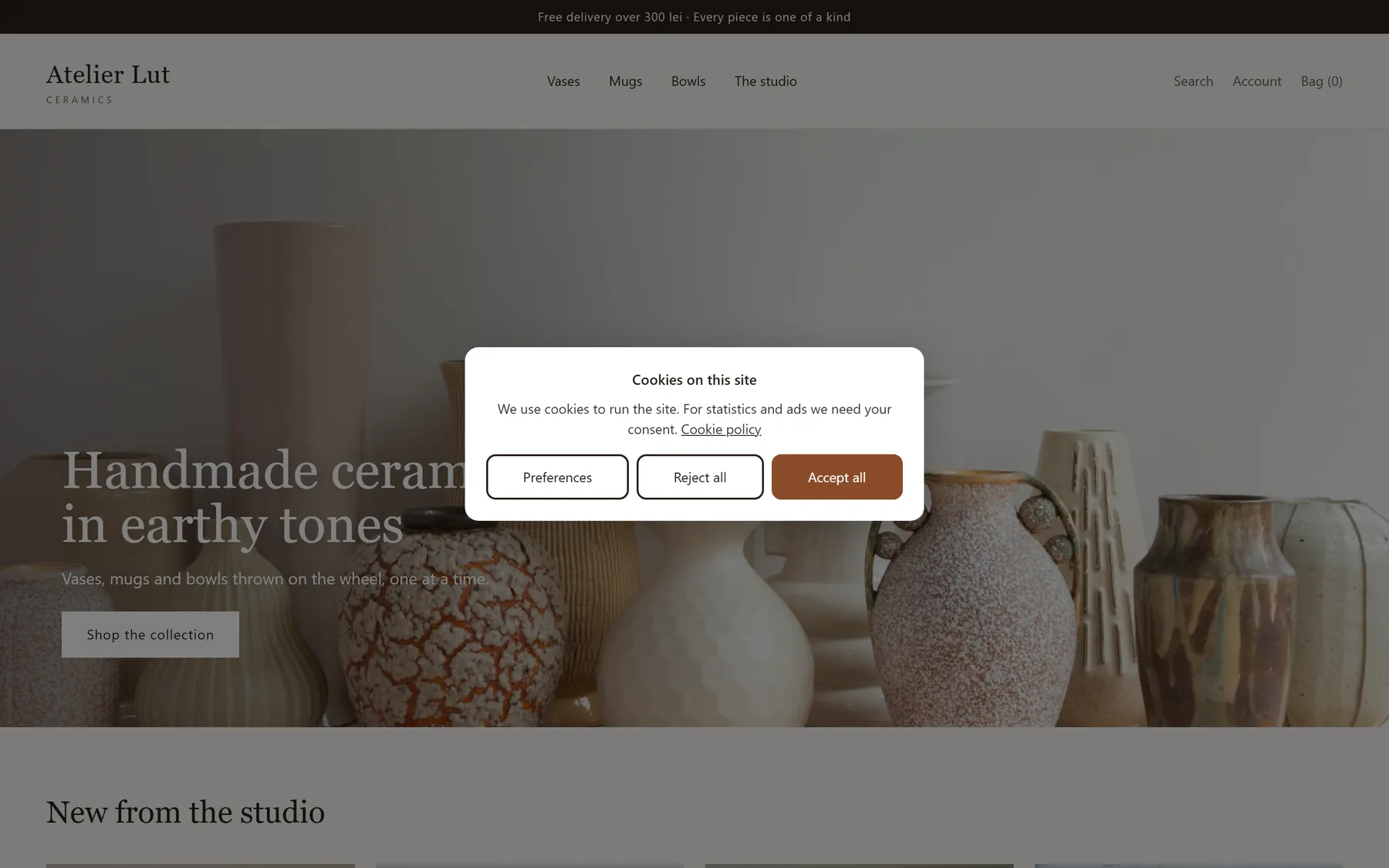
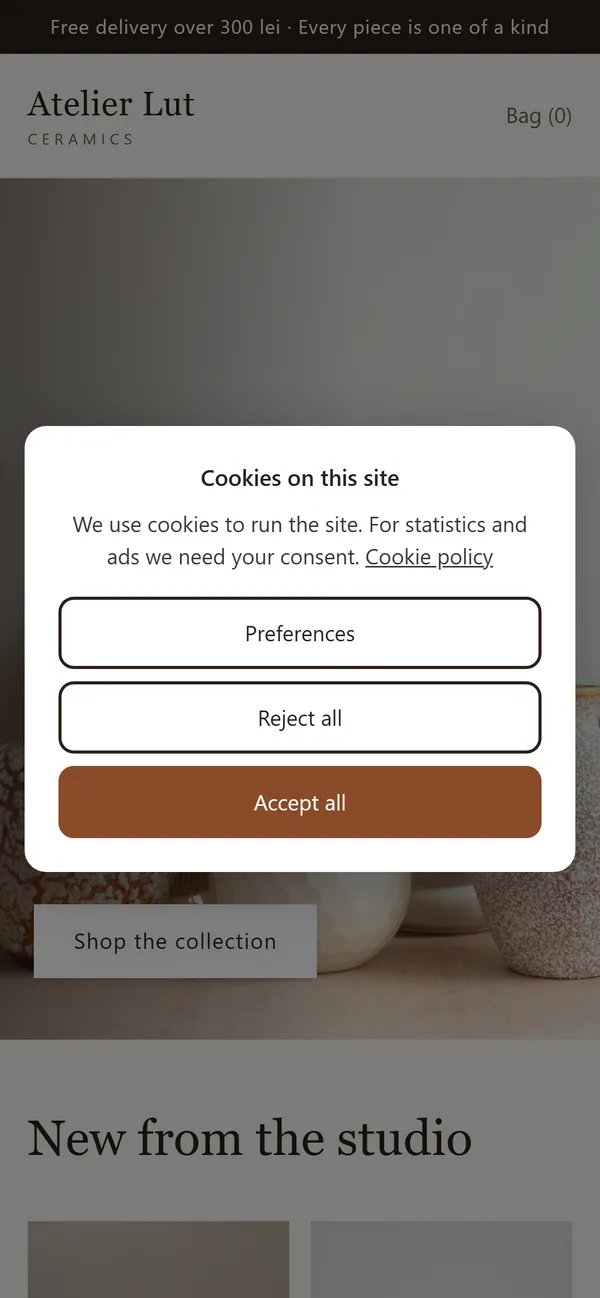
The essentials, done properly.
A balanced choice
Rejecting is as easy to reach as accepting, from the first screen. No optional category is pre-selected.
Complete signals to Google
All seven Consent Mode v2 signals are sent before any Google tag runs.
A record of consent
Every choice receives a unique identifier. On Pro, the full record can be exported at any time.
Every category, at the visitor’s discretion.
Preferences, statistics and marketing are approved separately. Strictly necessary cookies always remain active.
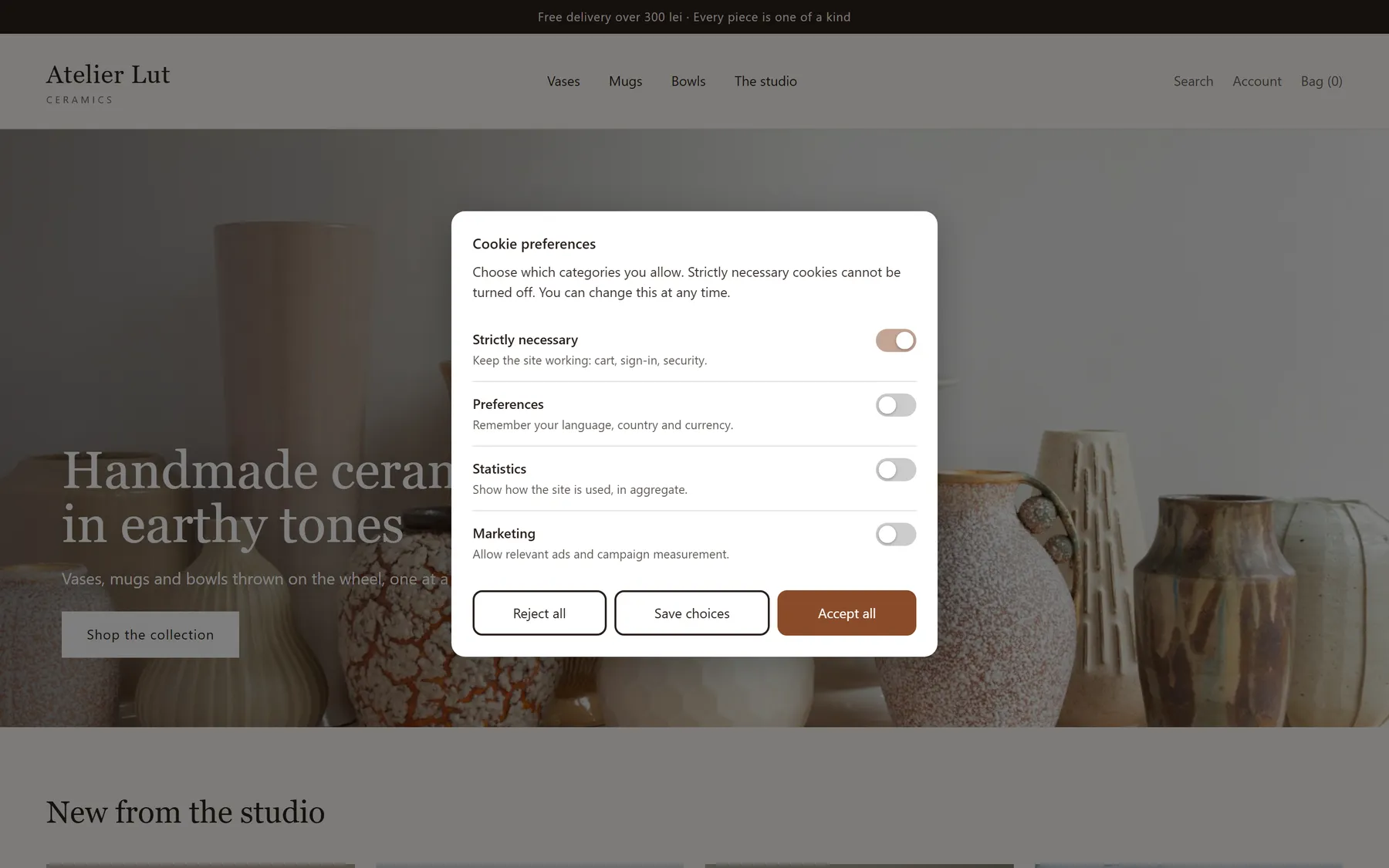
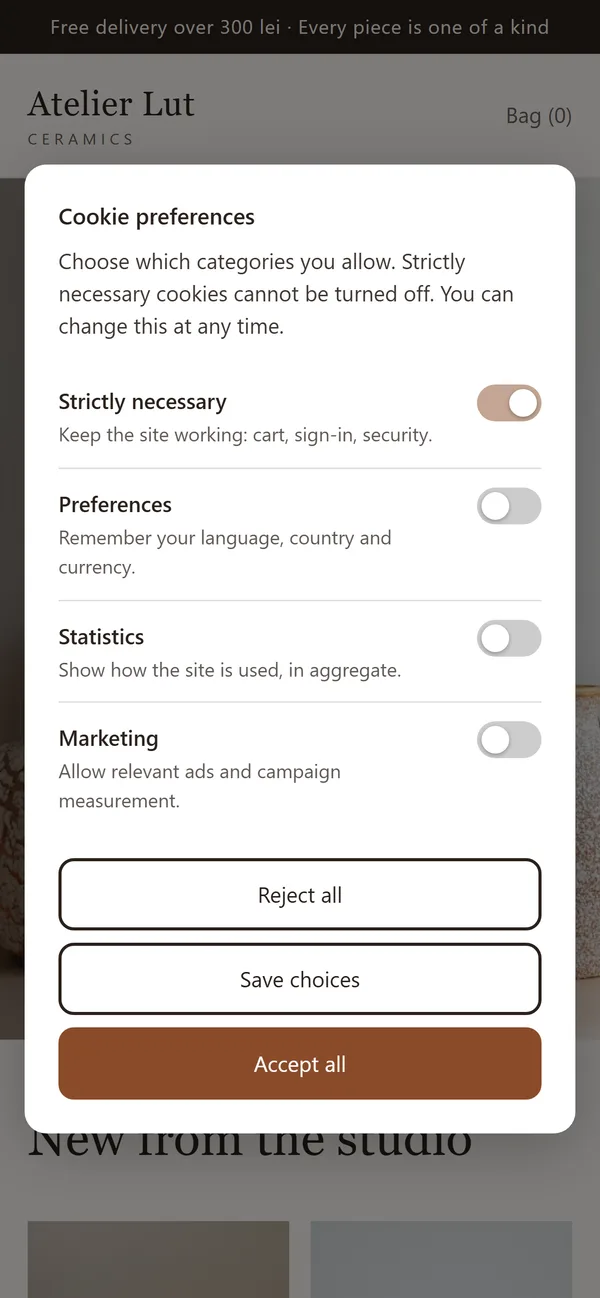
Signals first, tags second.
Until the visitor decides, Google receives “denied”. Afterwards, it receives exactly the permissions granted.
In your store’s own style.
Position, colours, corners, wording and button order are set in the app, with a live preview on your store.
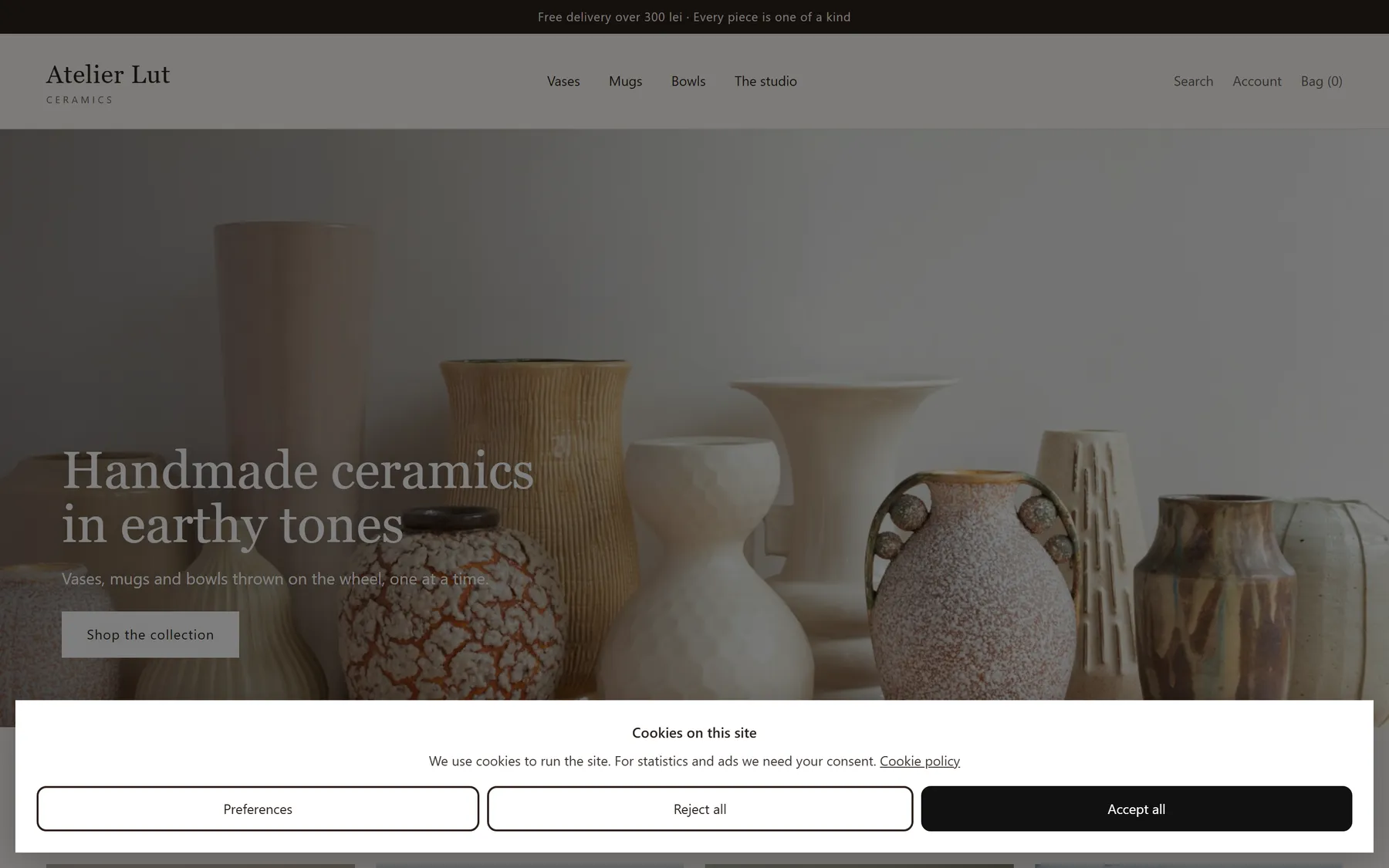

No code required.
Install
From the Shopify App Store. The subscription appears on your store’s Shopify invoice.
Enable
The app opens the theme editor with Consentia already selected. Once saved, it checks automatically that the banner is live.
Configure
Match the wording and colours to your store. Turning off the Shopify banner is recommended, so that visitors do not see two.
Consent, taken seriously.
Consentia will soon be available on the Shopify App Store. For details, or to be notified at launch, get in touch.